> For the complete documentation index, see [llms.txt](https://ai-security-docs.akto.io/llms.txt). Markdown versions of documentation pages are available by appending `.md` to page URLs; this page is available as [Markdown](https://ai-security-docs.akto.io/akto-argus-agentic-ai-security-for-homegrown-ai/connectors/others/azure-services/azure-app-service.md).
# Connect Akto with Azure App Services
## Introduction
Learn about how to send API traffic data from Azure App Services Web App to Akto.
## Prerequisites
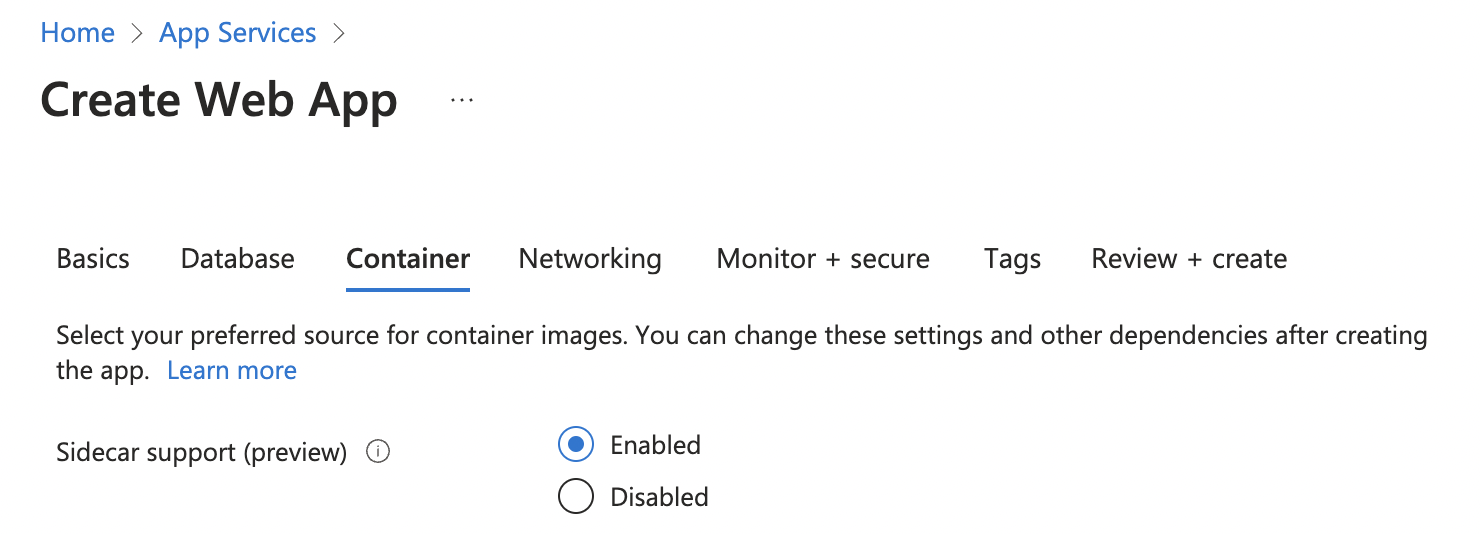
1. Your Web App should have sidecar support enabled at the time of creation.
## Adding Akto traffic collector to Azure App Services Web App
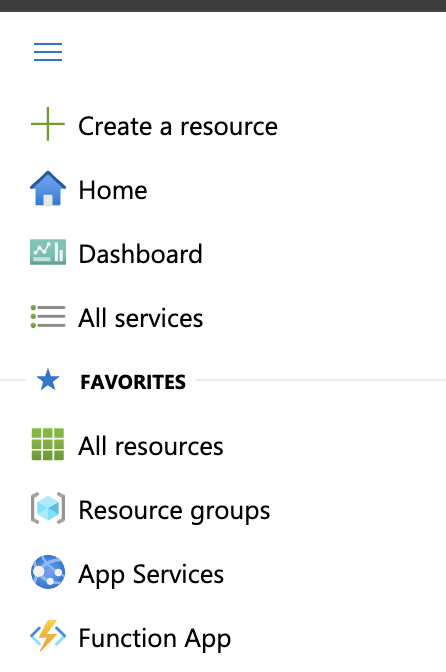
1. Open Azure Portal and click on App Services in the left navbar.
2. Click on the web app for which you want to setup traffic mirroring.
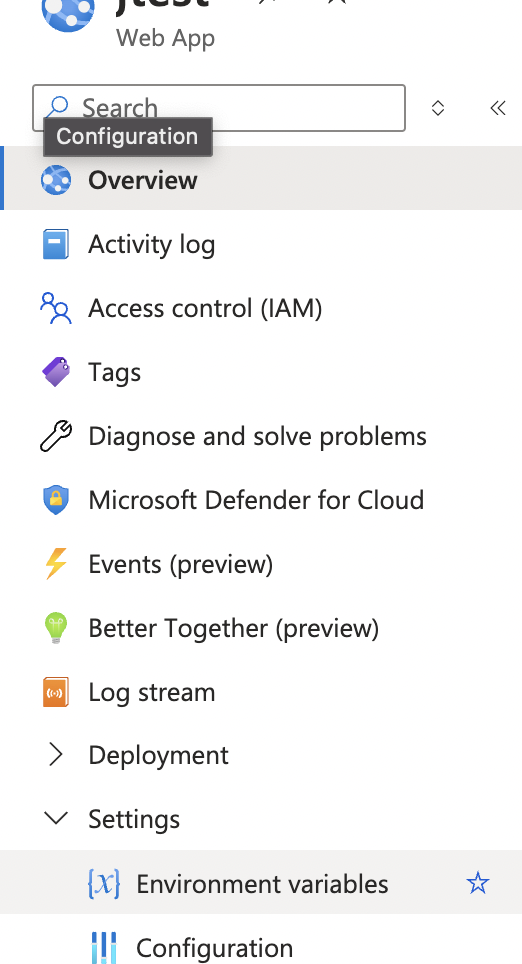
3. Click on Environment Variables under the Settings tab in left navbar.
4. Add the following env variables.
```bash
AKTO_INFRA_MIRRORING_MODE=gcp
AKTO_KAFKA_BROKER_MAL= // modify this value with Akto Runtime Load Balancer DNS
AKTO_MONGO_CONN=mongodb://0.0.0.0:27017
AKTO_TRAFFIC_BATCH_SIZE=100
AKTO_TRAFFIC_BATCH_TIME_SECS=10
```
Click on Apply for the changes to be reflected.
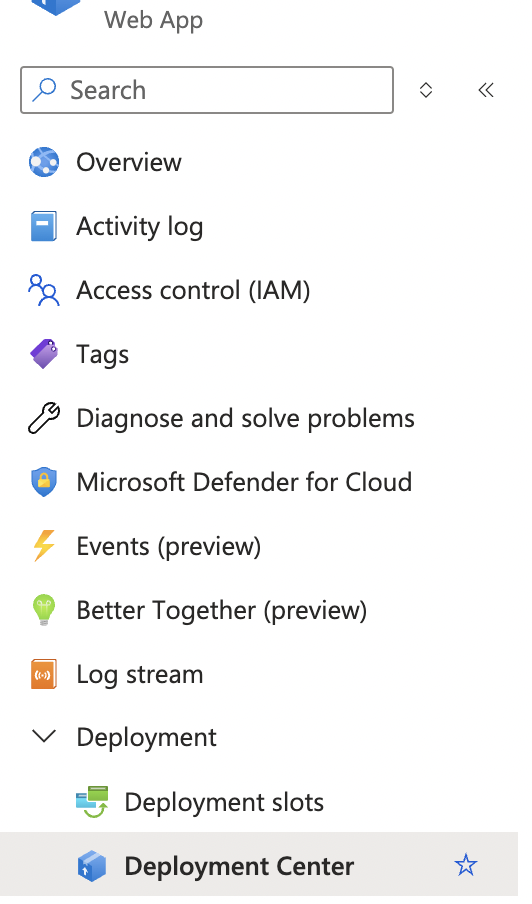
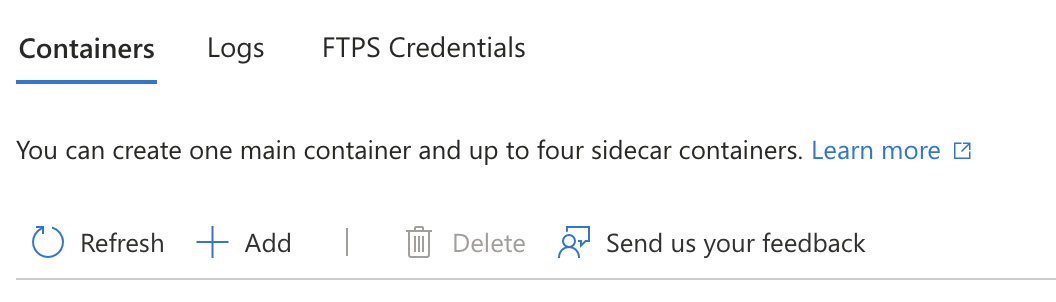
5. Go to your web app, and click on Deployment Center under the Deployment tab in left navbar.
6. Click on Add button, and add the akto traffic mirroring sidecar.
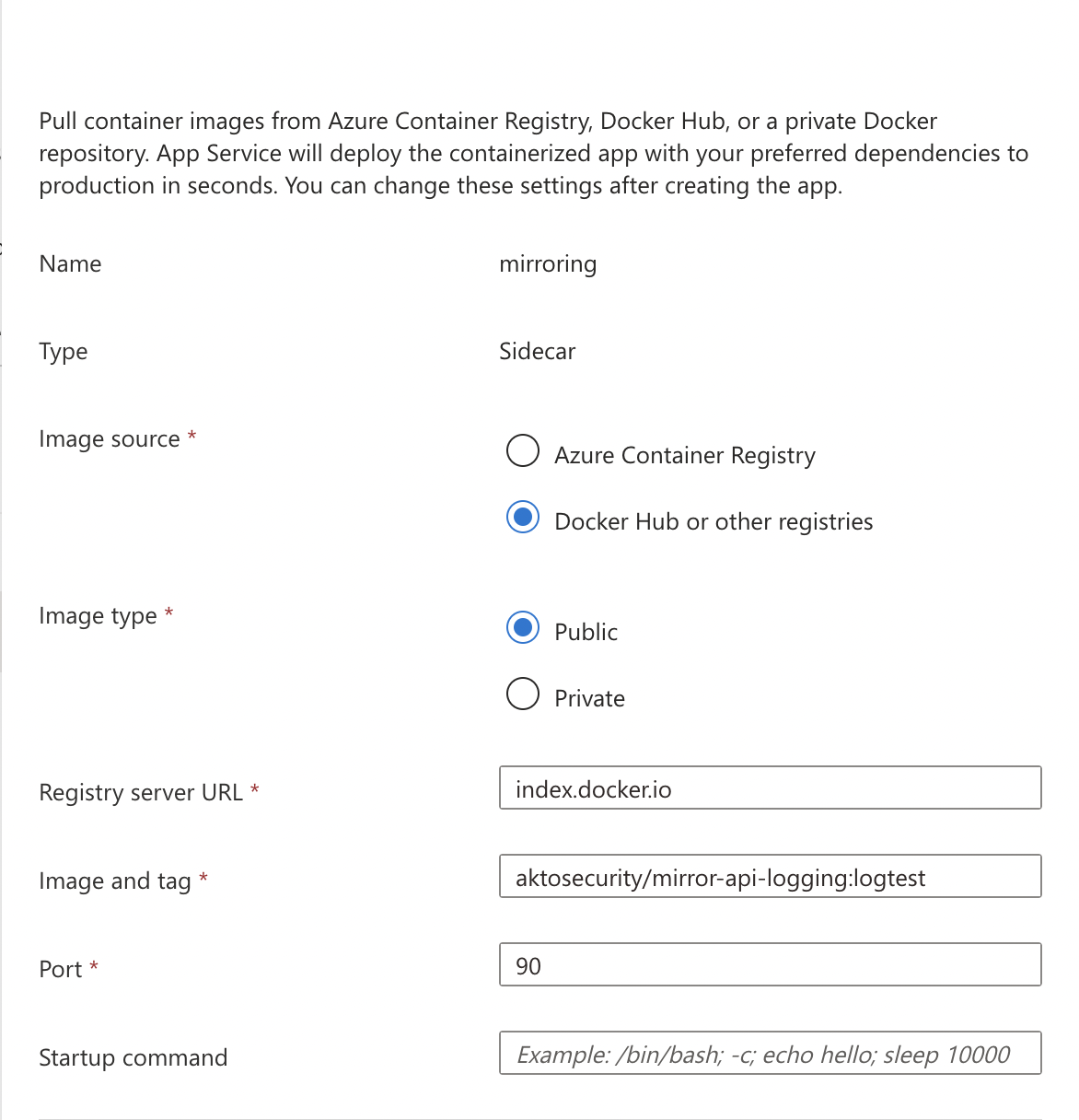
7. Enter the following values to spawn a new Akto mirroring container
```bash
Name -> mirroring
Image source -> Docker Hub or other registeries
Image Type -> Public
Registry server URL -> index.docker.io
Image and tag -> aktosecurity/mirror-api-logging:k8s_agent
Port -> 90
```
8. Click on Apply, and traffic should start population in a couple of minutes.
.png?alt=media)
.png?alt=media)