> For the complete documentation index, see [llms.txt](https://ai-security-docs.akto.io/llms.txt). Markdown versions of documentation pages are available by appending `.md` to page URLs; this page is available as [Markdown](https://ai-security-docs.akto.io/akto-argus-agentic-ai-security-for-homegrown-ai/connectors/others/aws-services/aws-eks.md).
# Connect Akto with AWS EKS
Learn about how to send API traffic data using AWS EKS to Akto from your environment.
## Introduction
[Akto](https://www.akto.io/) needs your staging, production or other environment's traffic to Discover Agentic components and analyze for agentic misconfiguration. It does so by connecting to one of your traffic sources. One such source is AWS EKS.
## Configuring Daemonset
Follow these steps to add daemonset config to your Kubernetes setup -
1\. Go to Quick Start on your Akto dashboard and expand the `Connect traffic data` section.
2\. Scroll down to `Kubernetes Daemonset` section.
## Creating AWS Policy
1\. Copy the `policy json` and click on the Akto Dashboard role link.
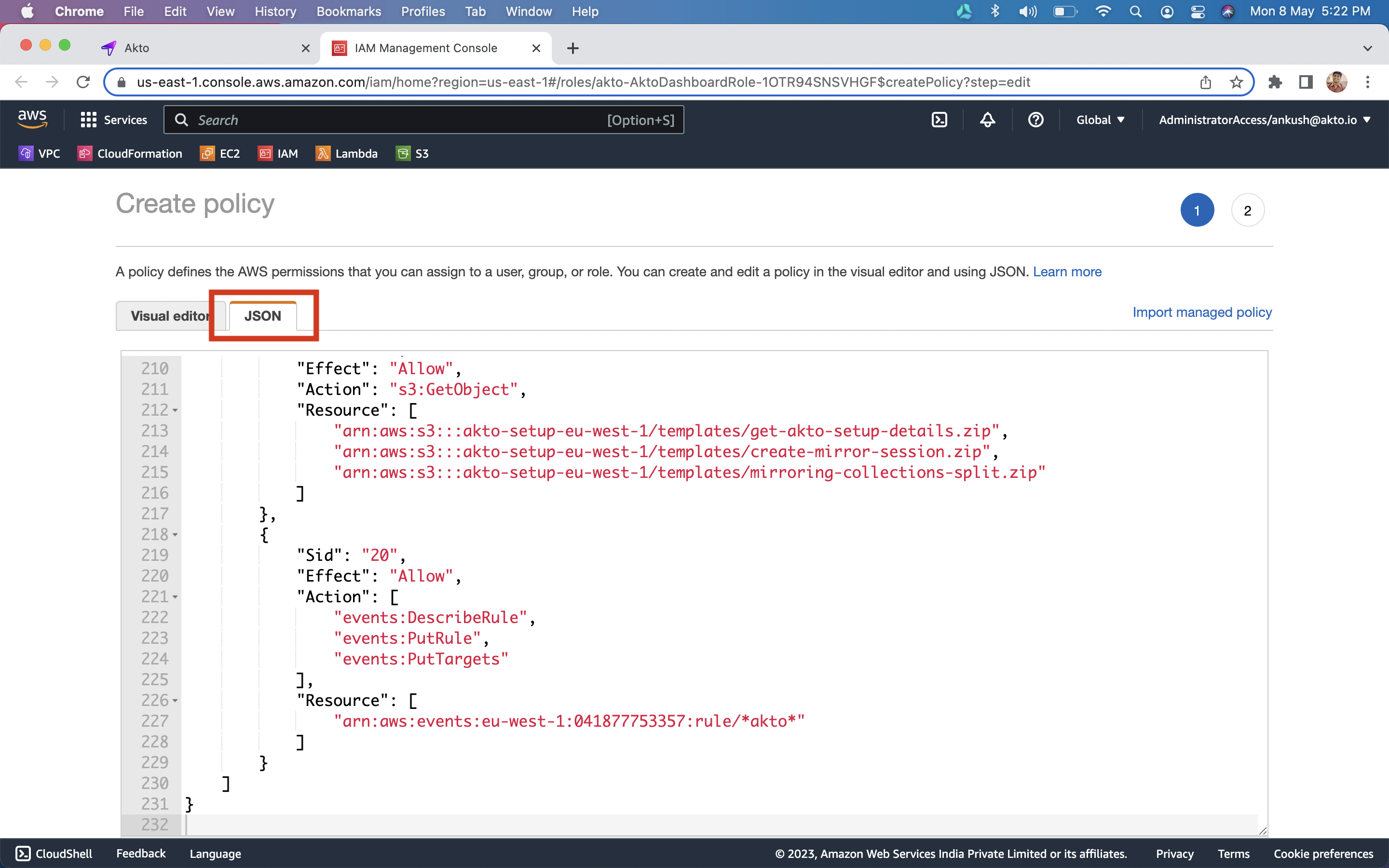
2\. `Click` on the `JSON` tab and `paste the policy`
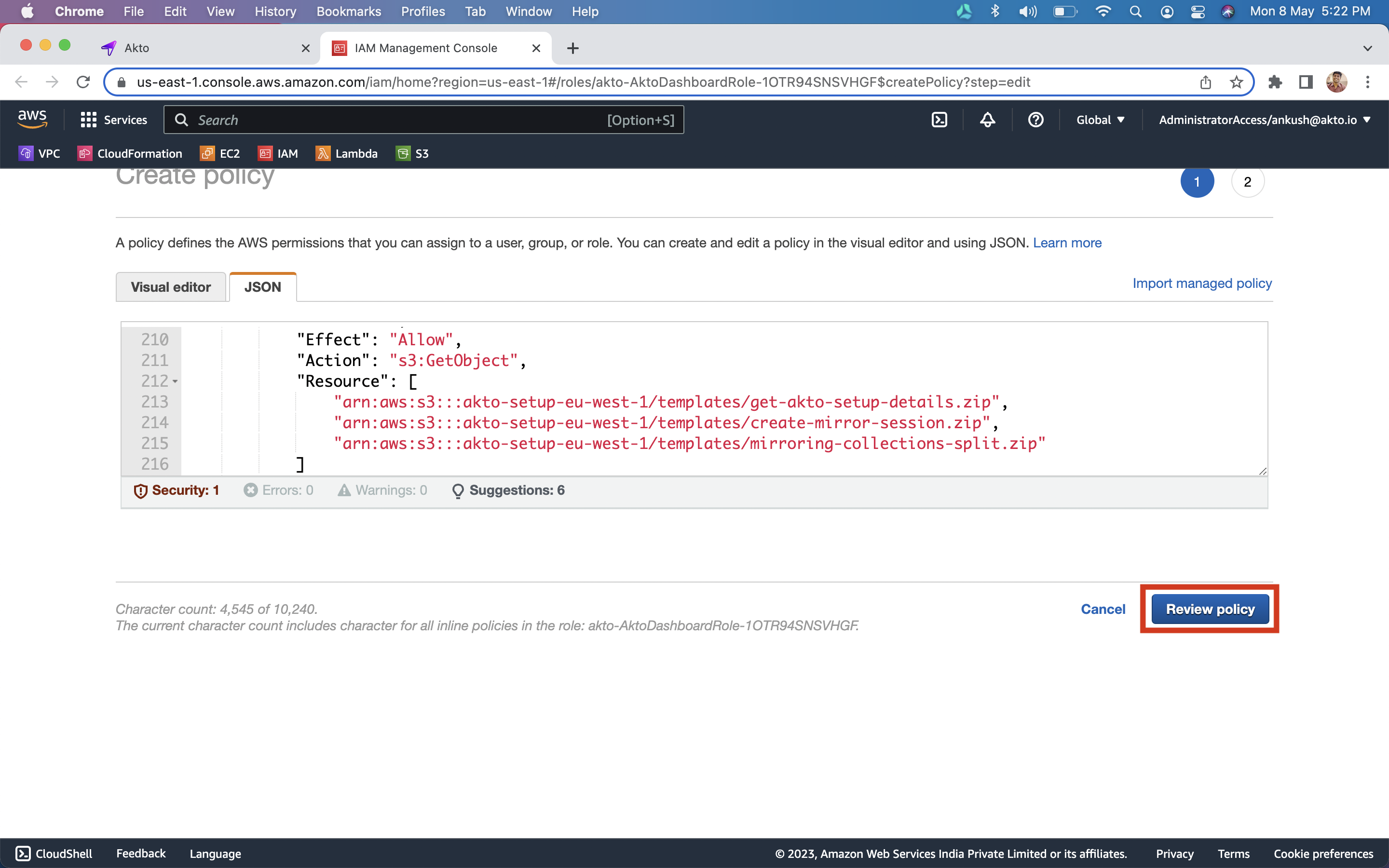
3\. Click on `Review policy` button.
4\. Enter *`AktoDashboardPolicy`* as the policy name and `click` on `Create Policy` button
7\. Once the policy is created, go back to the `dashboard`.
## Setting up Daemonset stack
1\. You should now see a `Setup daemonset stack` button. `Click` on this button to setup a traffic processing stack.
{% hint style="info" %}
This will process your agentic traffic data and populate Agentic components on the dashboard. This might take a few minutes to complete.
{% endhint %}
2\. Once complete, you should now see a daemonset config. `Copy the config` and paste in a `text editor`.
3\. Replace `{NAMESPACE}` with your app namespace and `{APP_NAME}` with the name of your app
4\. Create a file `akto-daemonset-config.yaml` with the above YAML config
5\. Call `kubectl apply -f akto-daemonset-config.yaml -n ` on your *kubectl* terminal
6\. Run the command `kubectl get daemonsets` in terminal. It should show *akto-k8s* daemonset.
7\. Go to `Agentic AI Discovery` on Akto dashboard to see your new APIs
### Get Support for your Akto setup
There are multiple ways to request support from Akto. We are 24X7 available on the following:
1. In-app `intercom` support. Message us with your query on intercom in Akto dashboard and someone will reply.
2. Join our [discord channel](https://www.akto.io/community) for community support.
3. Contact `help@akto.io` for email support.
.png?alt=media)